 Neatling
Mac · macOS 15 or later
Neatling — Wait — where was that again?
Neatling reads the date and place each photo was taken and sorts them, smartly and automatically.
Free to download · unlimited preview · tidying capped at 200 photos per run
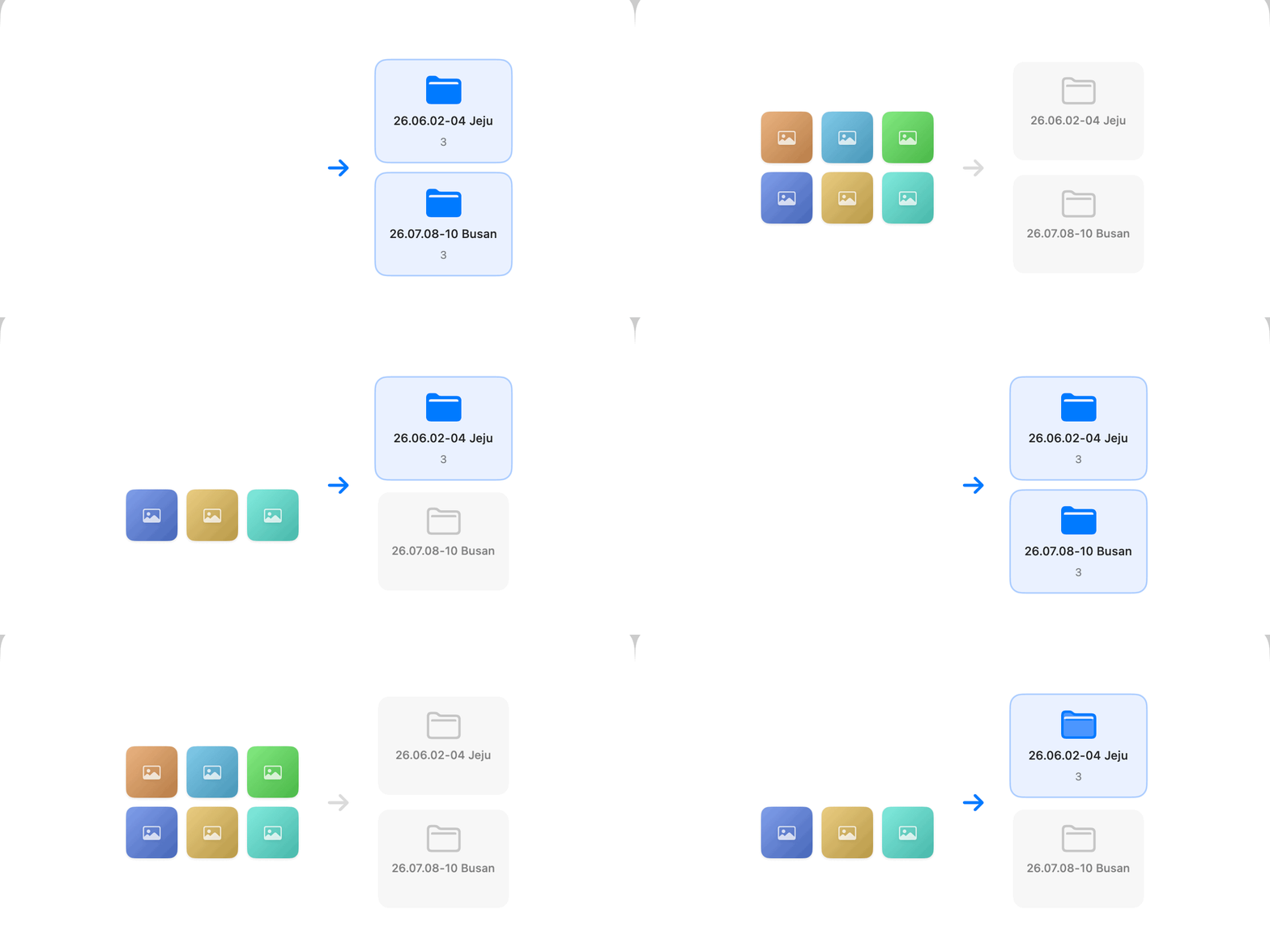
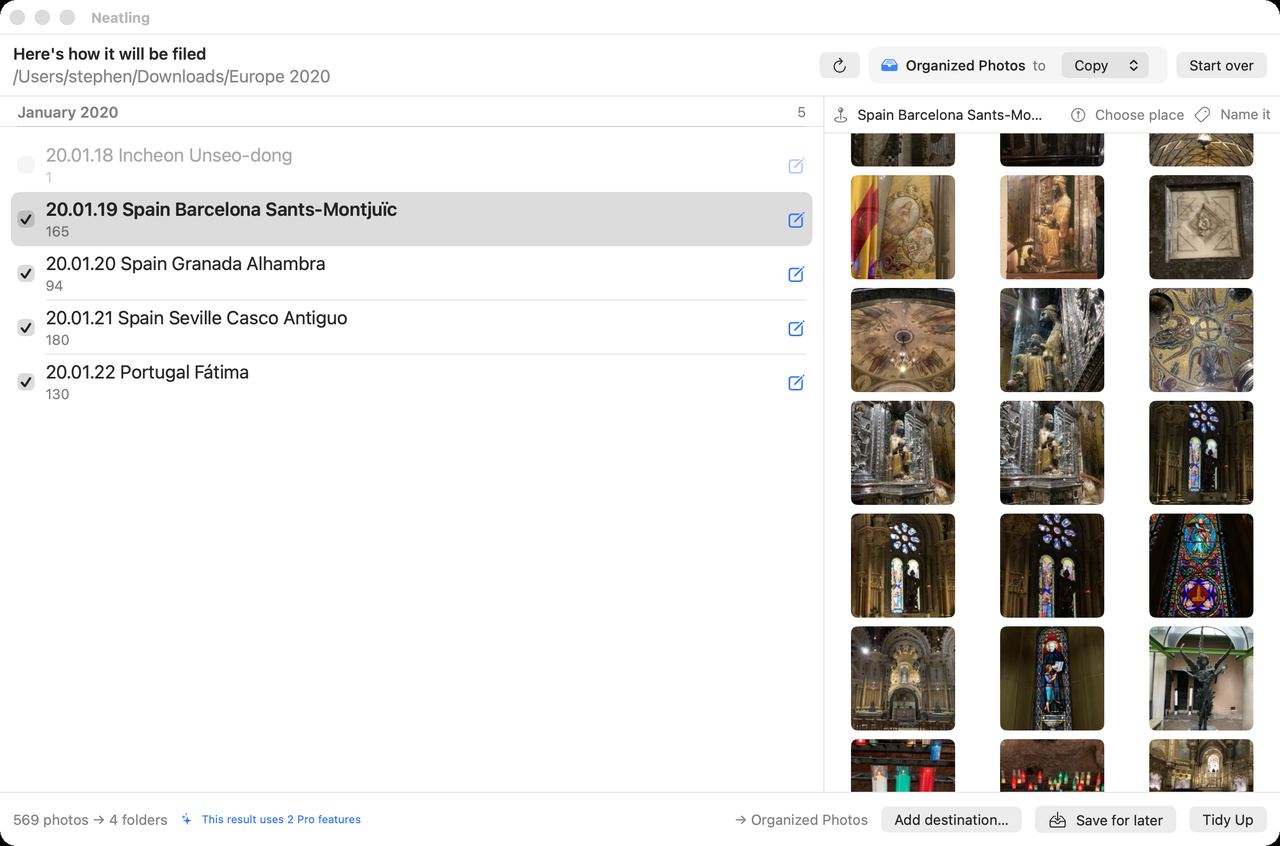
Result first
You never find out
after the fact
The frightening part of any tidying app is that it can't be undone. Neatling lays out every folder before creating a single one. Rename what you don't like, uncheck what you don't want.
Even after it runs, one Undo on the first screen puts everything back. It asks whether to remove the folders it created, too.
Grouping
A trip splits itself
by where you actually went
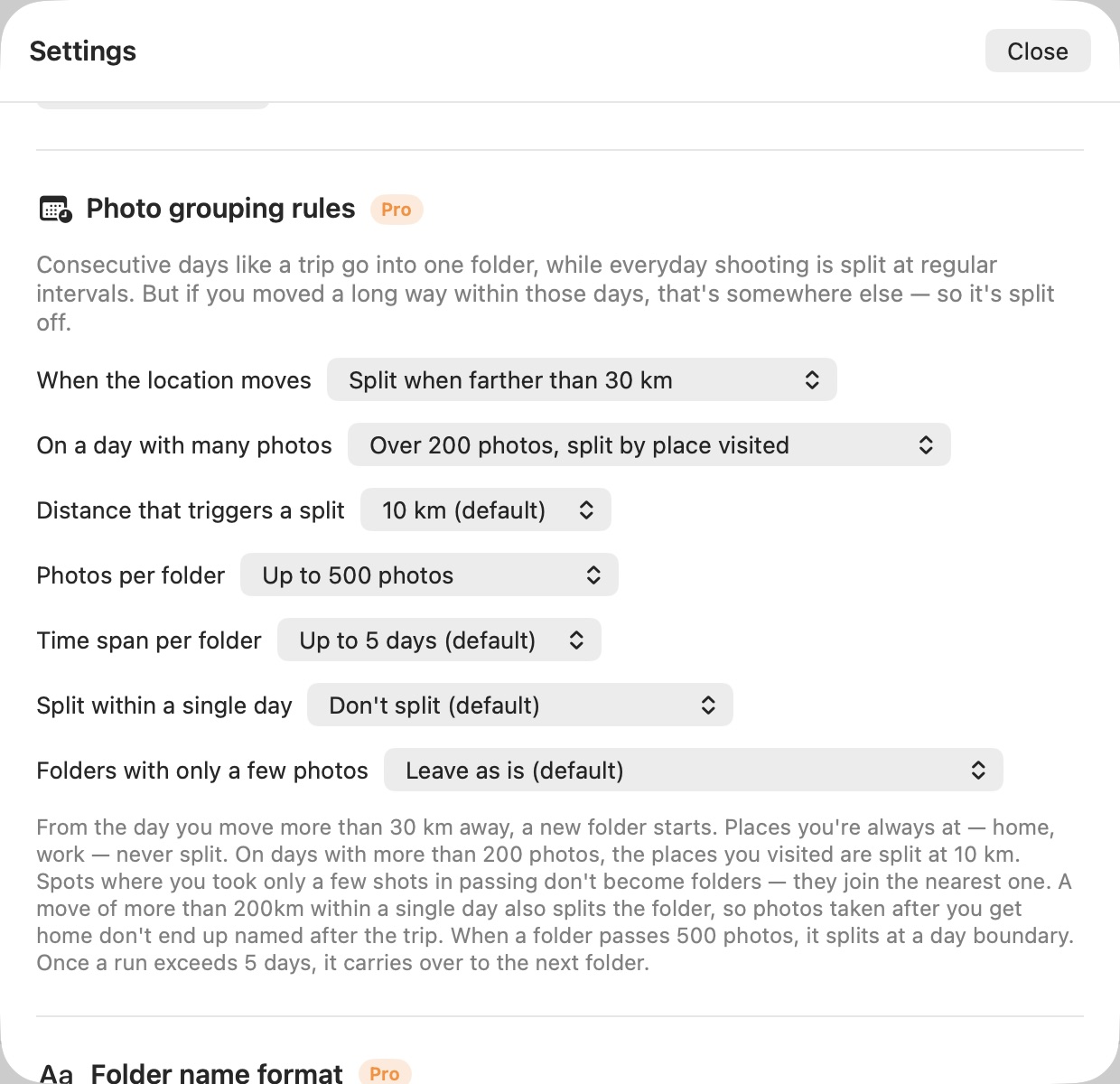
Go by date alone and a five-day trip collapses into one folder of 764 photos, named after whichever city you shot most. Neatling splits when the ground moves under the camera, and on days you shot a lot it splits once more by the places you passed through.
Places you're always at never split, and their names are dropped altogether — so the trips are the ones that stand out.
Where maps fall short
It doesn't guess.
It helps you remember
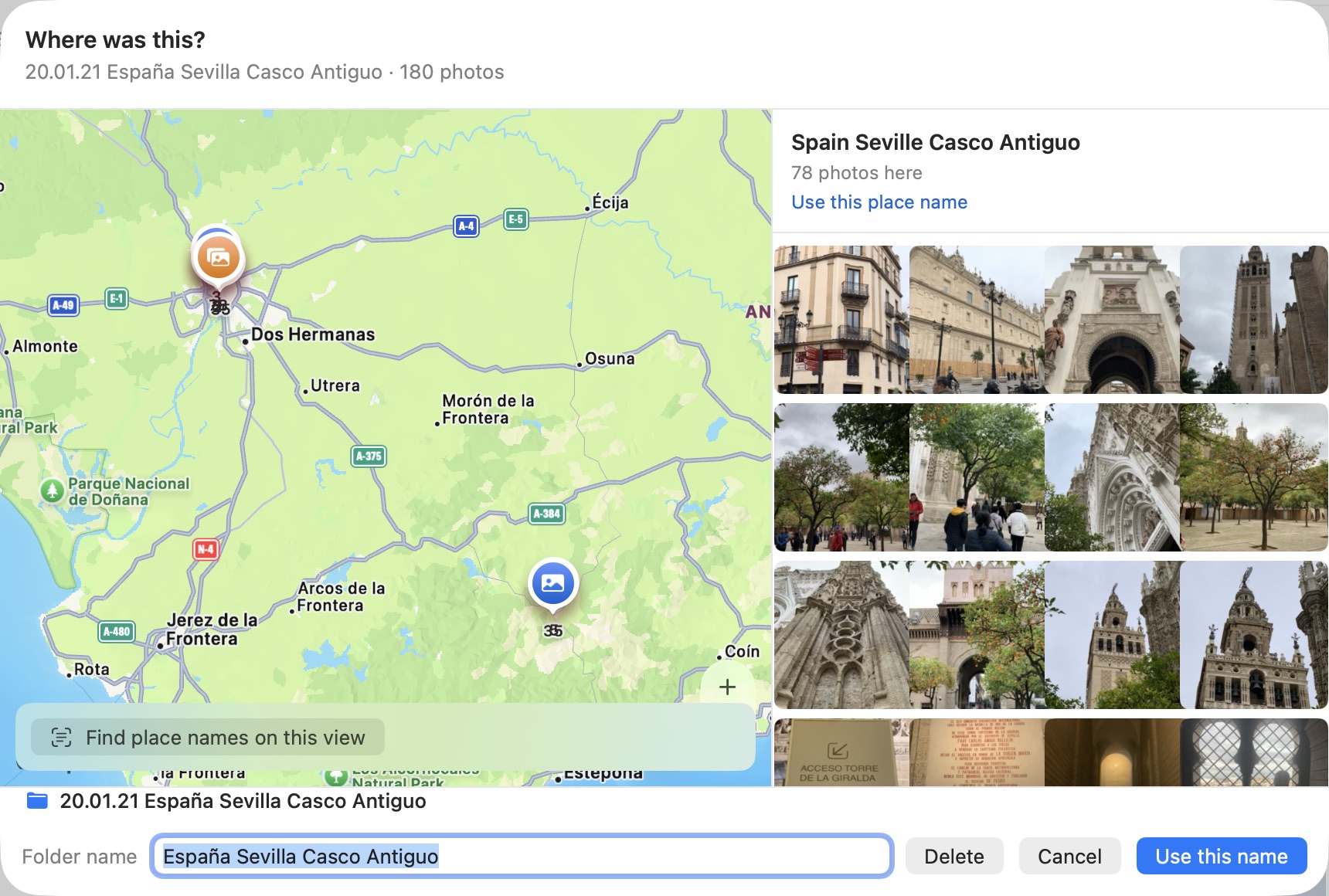
Korean law restricts exporting detailed map data, so Apple Maps carries almost no Korean landmarks — and plenty of places elsewhere are thin too. Rather than invent a name, Neatling pins the spot and shows you the photos. You write the name; it sticks as a nickname and applies itself from then on.
Safety
Your originals are not touched
Tidying isn't tidying if you can't walk it back. Three things make sure you can.
Hard links, not copies
Within the same disk it costs no extra space. The photo appears in two places; there is still only one of it.
Nothing is deleted
Tidying never removes or overwrites the photo sitting in its original folder.
Undo stays free
Undo, Trash recovery, and importing from the Mac Photos app are free forever.
Stays on your Mac
Photos are processed locally. Only coordinates go to Apple's geocoder to look up a place name.
Pricing
Buy once. That's it.
Not a subscription. We won't hold features hostage to invent a reason to bill you monthly.
Free
on download$0
Unlimited preview. Drop in 30,000 photos and you'll see every folder it would make, open the map, and edit names.
Actually moving files is capped at 200 per run · Undo and Trash recovery stay free
Neatling Pro
one-timeOne-time purchase
No photo limit · multiple destinations · folder-name formats · grouping rules · read place names from the map.
The App Store shows the price in your own currency.
See it on the App Store →See how it would land, before it moves
Download it free and run the preview as much as you like. Tidy only if you like what you see.
macOS 15 or later · Korean interface today, English and Japanese planned